

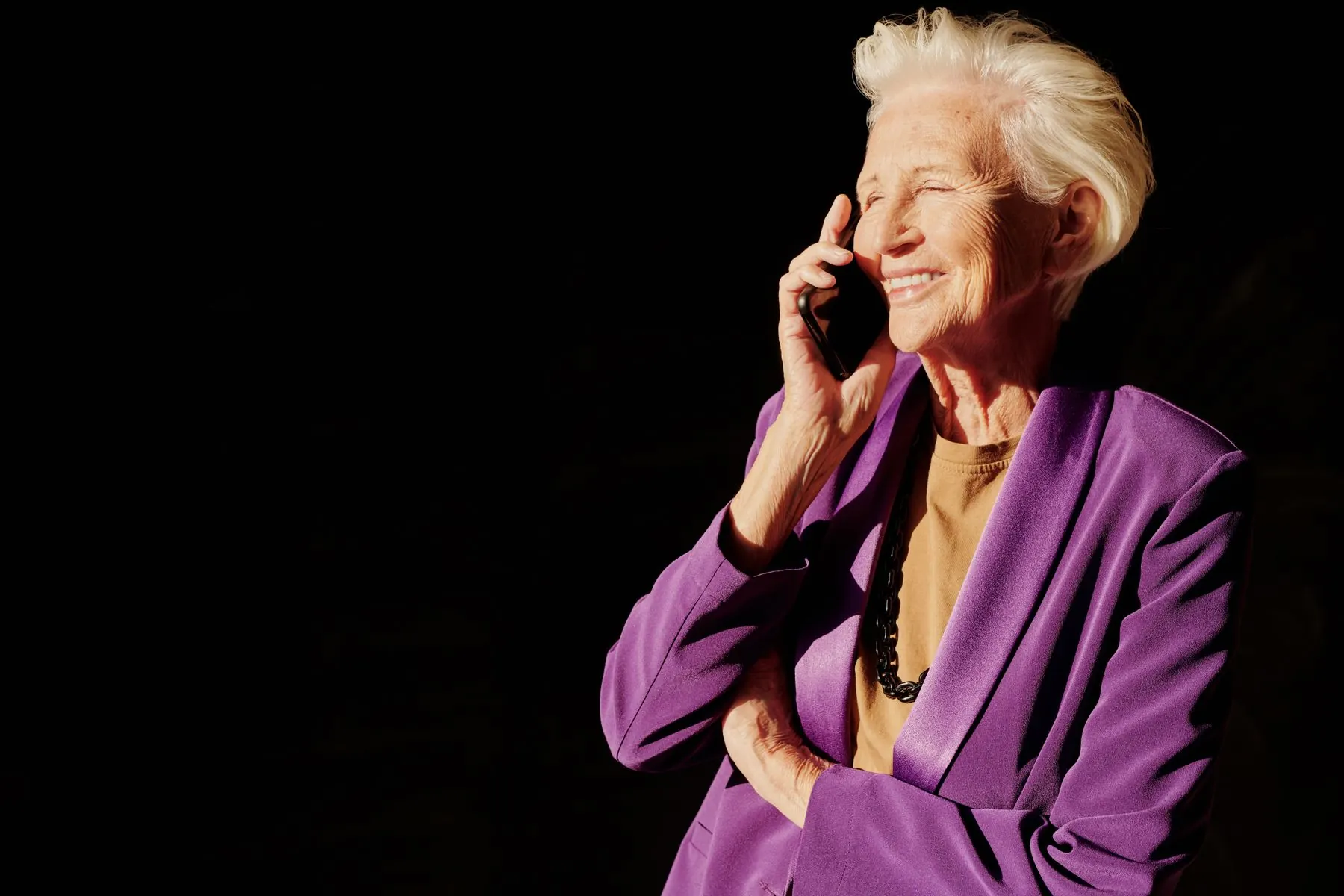
AI answering service for senior living
They already know how to use it. It's the phone.
Residents call one number for today's menu, the activities, the bus, the announcements, in their own language, from the handset already on the side table. No app. No password. Calls that sound wrong reach your staff the same day.
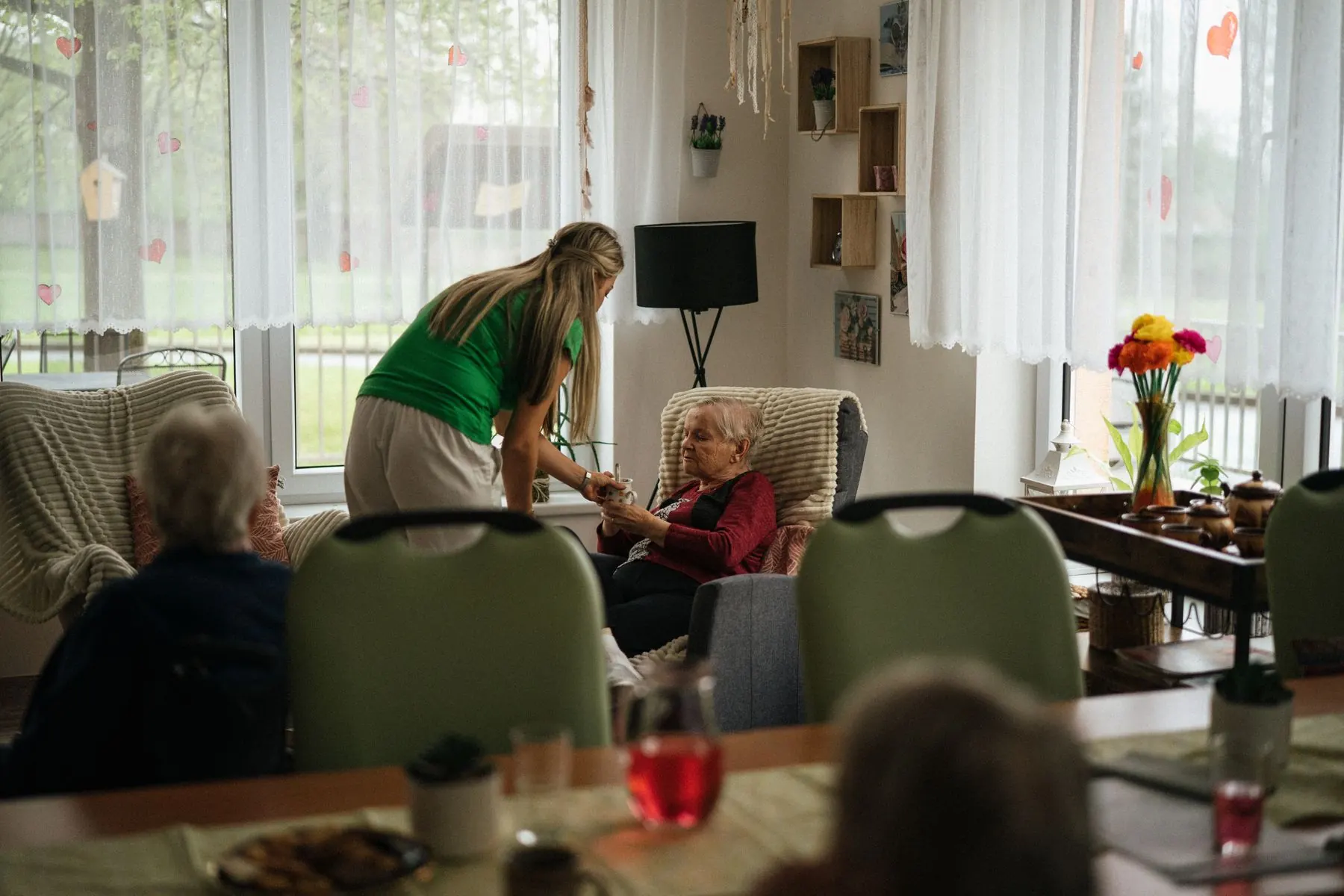
02 The busiest hour
Your front desk answers the same questions all day. Somebody is always waiting.
What's for lunch. When's the movie. Is there bingo. What time does the bus leave. Every answer is already written on a board somewhere, and every one still costs a staff member a phone call, usually while a resident is standing in front of them. After five, the desk is covering a building and the phone goes to nobody.
- Every day: the same questions, the answer already on the board
- After 5 PM: a resident who wants tomorrow's breakfast waits until morning
- No app: the residents who most need to know will not open a portal
What it is
- One number, your name on it
- Reads today's board, live
- Speaks the resident's language
- Remembers who is calling
- Flags calls that sound wrong
- Hands over by name
- Every call logged
A resident line that answers on the first ring, at 8 PM the same way as at 10 AM, in whatever language the resident opens with. It reads today's menu and activities from the board your staff already keep. When a call sounds wrong, a person knows the same day. It never invents an answer.
03 How one call goes
Five things happen. Nothing to learn.



- 01
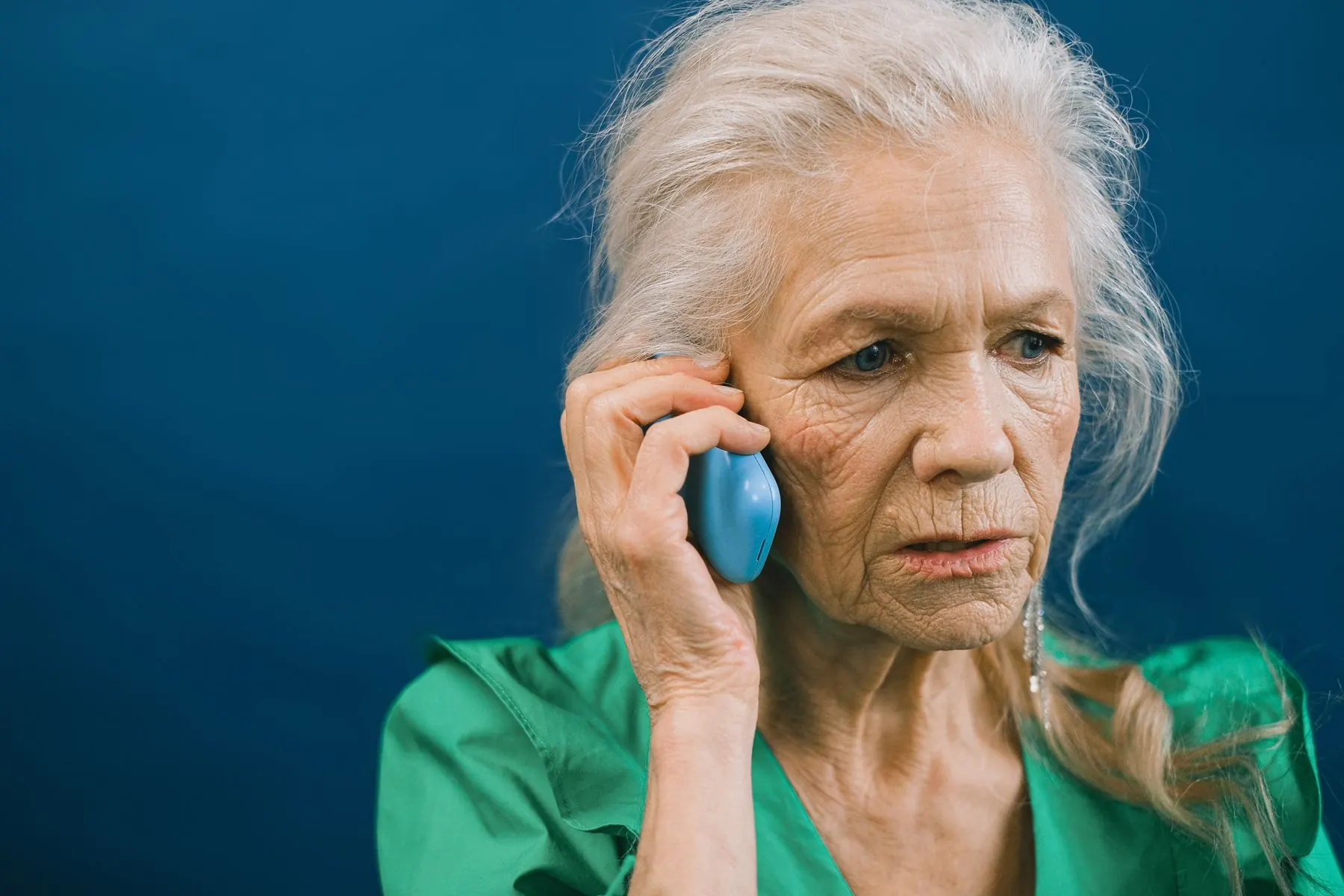
It answers in your community's name, by the resident's.
Second call, it opens with their name and picks up where it left off. For someone who speaks to few people in a day, being recognised is most of the point.
- 02
It reads today's board, not last week's.
Menus, activities, the bus and the announcements come live from the system your staff already update. Change the board at 9 AM and the phone knows at 9 AM.
- 03
It speaks how they speak.
A resident opens in Spanish, Polish or Tagalog and the whole call happens there: the menu, the times, the goodbye. Nobody sets a preference. It follows them.
- 04
It hands over cleanly, by name.
Anything it cannot or should not answer goes to a real person, warmly, without making a resident hang up and dial a second number.
- 05
It tells you what it heard.
You set the phrases that matter: a fall, not eating, feeling alone. When one comes up, the right staff member hears what was said the same day, and the call is logged.
04 What it reads back
A message for Rosa, read back before it's written down.
Families call the same number. A daughter leaves a message for Sunday; the agent reads it back, writes it for the front desk and answers the next question from the same board. Nothing is guessed. Everything is repeated before it is sent.
How the platform works05 What it never does
Kind on the call. Careful about everything.
A resident told the wrong time for a medical appointment is the failure that matters. So the line is built around what it will not do. You approve the list before the number goes live.
- 01It never invents an answer. If the board does not say, it says so and finds a person.
- 02It never says anything clinical. It listens, it answers kindly, it tells staff.
- 03It never takes payment on the call.
- 04It never pretends to be a person when a resident asks.
- 05It never leaves a resident waiting for the desk.
Hands over
A person, by name.
A medication question, a family emergency, a resident who wants the nurse. The call reaches the right desk with what was already said.
Flags
The same day, not the next check-in.
Someone mentioning they have not eaten, or that they fell, or that they are lonely, reaches a staff member who can act.
Says so
An assistant, when asked.
It carries your community's name and the assistant name you choose. When a resident asks, it answers honestly and stays warm.
06 Where it reads and writes
The board your staff already keep.
No new software for staff, no double entry, no migration. The agent reads from the systems your community runs and writes requests back into them.
Your dining menu
Today's and tomorrow's, by meal, exactly as the kitchen posted it.
Your activity board
Bingo, the movie, the bus, the chapel service, with times and rooms.
Your service requests
Transport, housekeeping, the salon, the dining room: raised where your team works.
Your staff alerts and call log
Flags to the nurse station. Every call transcribed and searchable.
07 Languages
The resident says "Hola.""Dzień dobry.""Kumusta.""Hello."
It answers in the language the resident opens with and stays there for the whole call: the menu, the times, the goodbye. Nobody sets a preference. Staff read the transcript in yours.
Hear it in your residents' languages08 The staff view
Every call, written down. The ones that matter, flagged.
The nurse station and the front desk see the day's calls: who called, what they asked, what happened. Search any word. A resident who said something worrying is at the top of the list, not buried in a voicemail.
09 One week to hear it
Start with one community. Hear it for yourself first.
We point a number at your real menu and activity board and give you the line to call. You know inside a week whether your residents would use it, before anything is signed.
- Day 1
We listen to how your desk phone goes.
Which questions come in, when, and what happens to the ones after five.
- Day 2
We connect your board.
The menu and activity system you already maintain. Nothing re-entered.
- Day 3
You call it. So does your activities director.
Ask in Spanish. Ask about tomorrow. Ask something it should not answer.
- Day 5
You approve the phrases that flag and the handover list.
What reaches the nurse station, what reaches the desk, what it must never answer.
- Day 7
The number goes on the fridge magnet.
Your community's name, your assistant's name, your greeting.
10 Questions
What operators ask on the first call.
Every answer here is true today. If it changes, the page changes.
What is an AI answering service for senior living?
An AI answering service for senior living answers the community's resident line. Pulse tells residents today's menu, activities and announcements in their own language, and flags calls that sound wrong, such as a mention of a fall, to staff the same day.
Do residents need an app or a login?
No. Residents call a number from the handset already on the side table. Nothing to install, nothing to learn, nothing to remember.
Does it know today's menu, or last week's?
Today's. It reads the menu, activity board and announcements from the system your staff already update. Change the board at 9 AM and the phone knows at 9 AM.
What happens when a resident says something worrying?
You set the phrases that matter: a fall, not eating, feeling alone. When one comes up, the call is flagged and the right staff member hears what was said the same day. The agent answers kindly and says nothing clinical.
What if it does not know the answer?
It says so and hands the resident to the desk, warmly and by name. It never invents an answer, because a wrong appointment time is the failure that matters.
Can families call it too?
Yes. An adult child ringing on a Sunday afternoon gets a real answer about the community, and can leave a message that is read back and sent to the desk.
Can it run under our community's name?
Yes. Your name, your greeting, an assistant you name yourself. Nothing on the call, the invoice or the caller ID says Pulse.
How much does it cost?
Pricing is quoted per community from your call volume. You hear it on your own board first, then we talk numbers.
Guides
Worth reading before you decide.

11 Start with one community
Hear it read your board before you sign anything.
We point a number at your real menu and activity board and give you the line to call. Ask in Spanish. Ask about tomorrow. Say something it should flag.